At SFXVault, I regularly create, edit, organize, and manage sound effects and other audio assets. This article offers a look at part of the real working environment behind the site.
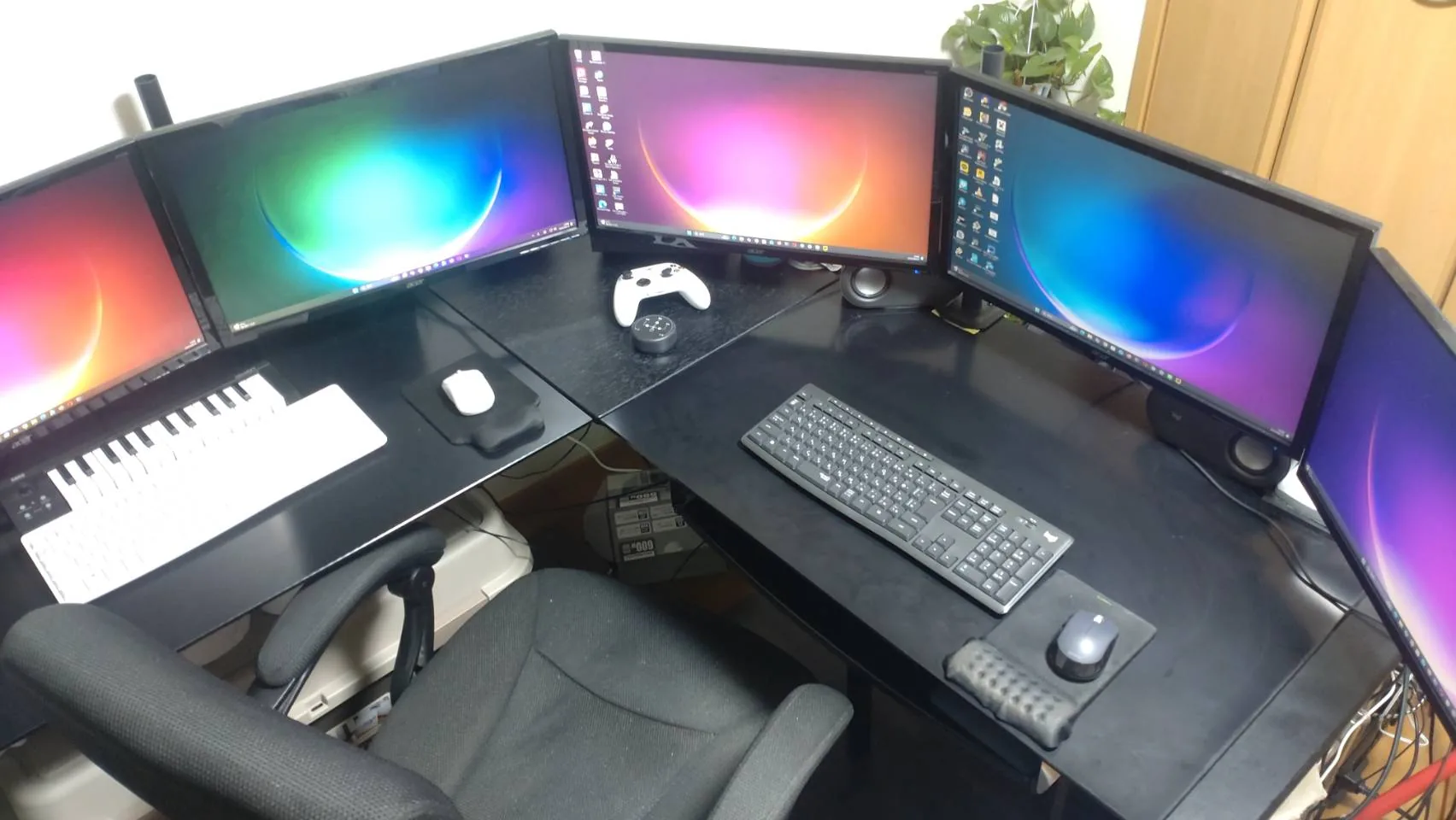
Main PC
My main workstation is built around an AMD Ryzen 9 9950X, 192GB of DDR5 memory, and an NVIDIA GeForce RTX 5090. For storage, it has two 4TB WD_BLACK SN850X NVMe SSDs, used as the C: and D: drives, plus an 8TB SATA hard drive.
The generous CPU, memory, and storage capacity gives me room to work with large sound libraries, source recordings, work-in-progress material, and multiple exported versions. I also keep two Seagate ST24000DM001 24TB hard drives on hand for future expansion and storage. They are not currently installed, so I do not count their 48TB toward the workstation’s installed capacity.
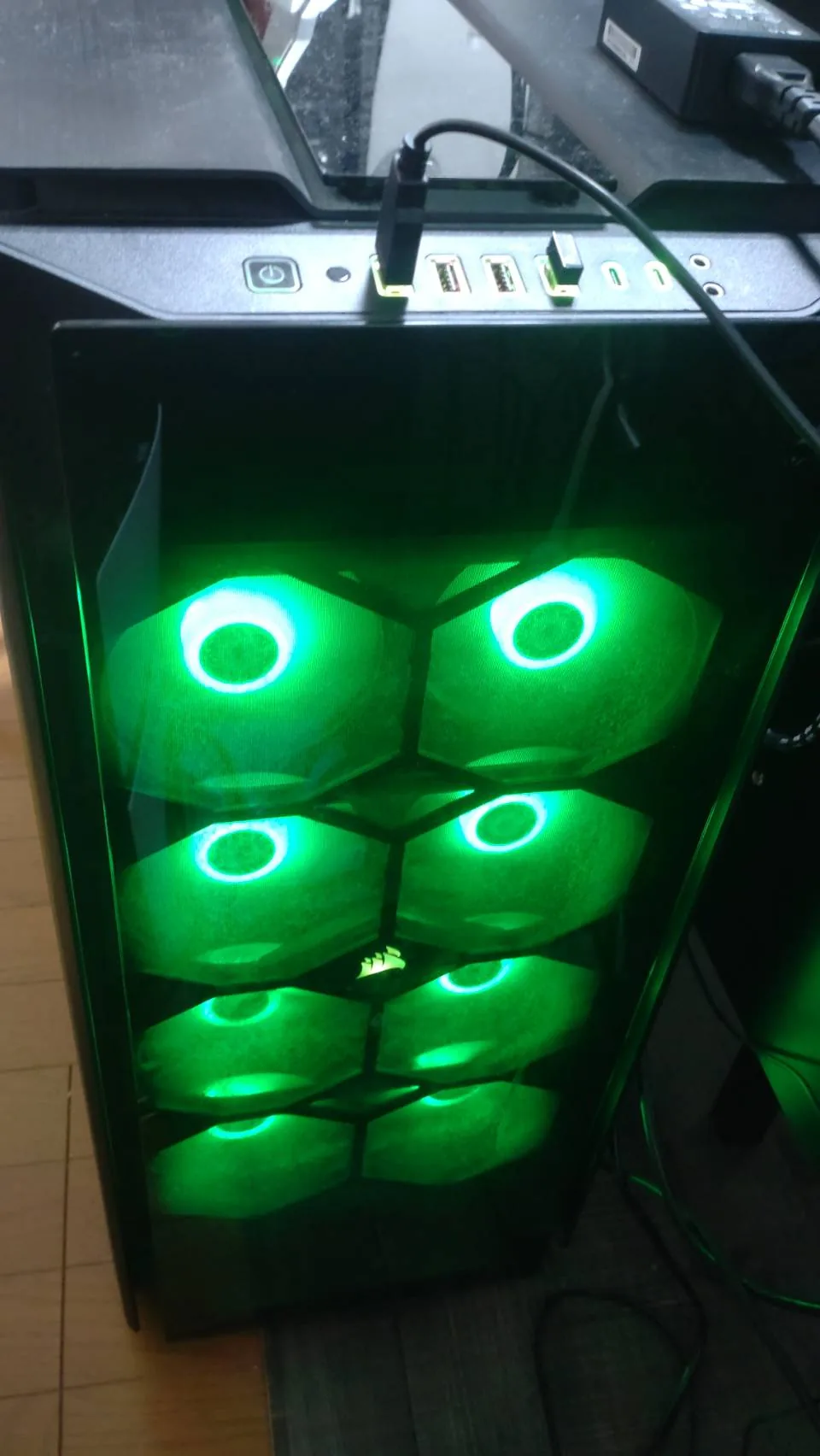
Multiple Secondary PCs
One of my secondary systems uses an AMD Ryzen 9 3900X, 64GB of DDR4 memory, and a GeForce RTX 4070. It also has a multi-drive storage configuration that includes a Samsung SSD 980 1TB, an SPCC M.2 PCIe SSD, a TOSHIBA THNSN9960GES1, a SanDisk SDSSDA960G, a JAJS300M480C, and a WDC WD40EZAZ-00SF3B0.
Another secondary PC is equipped with an Intel Core i5-14400F, 64GB of DDR4 memory, a GeForce RTX 2080, an 850W Seasonic power supply, and an AeroCool mid-tower case. A further system uses an Intel Core i7-8700, 32GB of memory, and a GeForce GTX 750 Ti. Having systems from different hardware generations gives me several machines available for production and supporting work rather than relying on a single workstation.
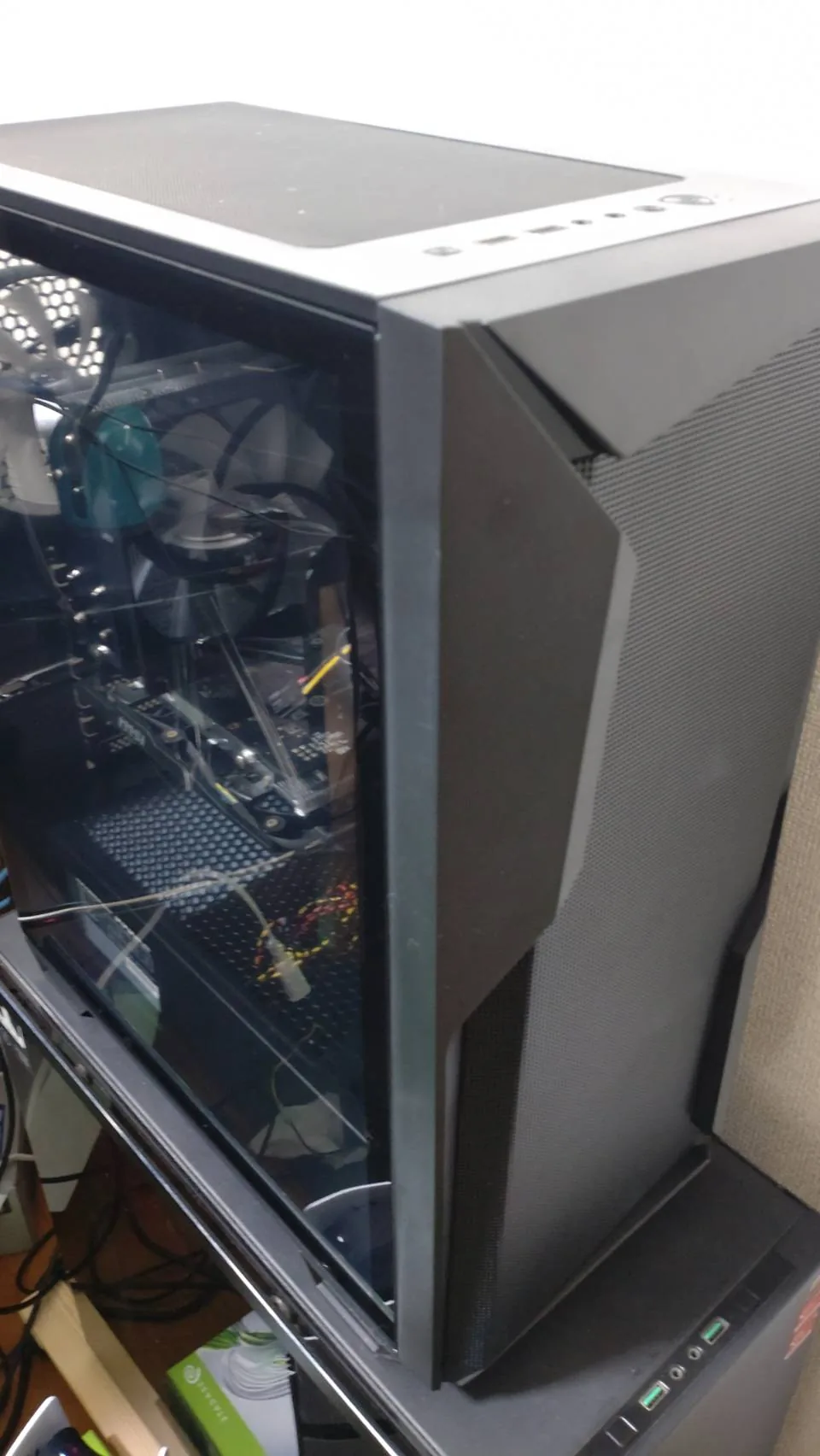
Audio Production and Editing Software
For audio work, my installed toolset includes Cubase 14, SpectraLayers 11, Audacity, HALion Sonic, and Groove Agent SE 5. I also use VOICEPEAK when appropriate. For video and related checking or production tasks, the environment also includes OBS Studio, DaVinci Resolve, and VLC media player.
Not every application is used in every workflow. I choose tools according to the source material and the job at hand. The assets distributed through SFXVault are created, edited, organized, and checked in this real working environment.
Audio Interfaces
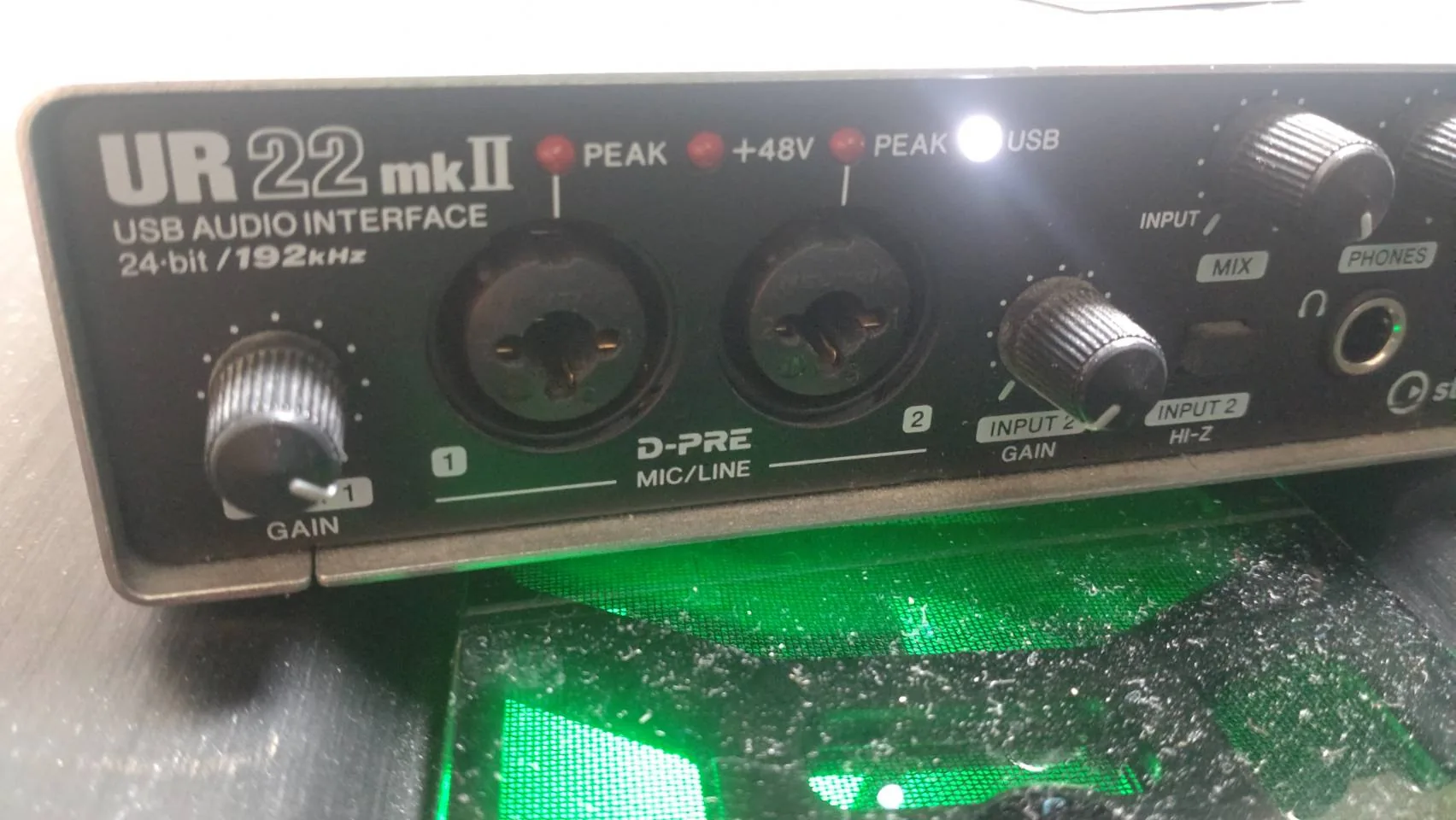
I use Steinberg UR22mkII and UR12 audio interfaces. The UR22mkII supports 24-bit / 192 kHz audio and is part of the setup available for recording and audio-input work. I have also written about my experience with the UR12 and UR22mkII.
Only Part of the Setup
This is only part of the hardware and software I currently use. My production environment is built not only around making sounds, but also around preserving source material, managing project data, and organizing exported files.
I plan to cover more of the recording equipment, peripherals, and practical production workflow in future articles. For a closer look at the capture side of that workflow, see some of the recording gear I use for SFXVault.